Using Data Views to Build Better KPIs
June 15, 2026
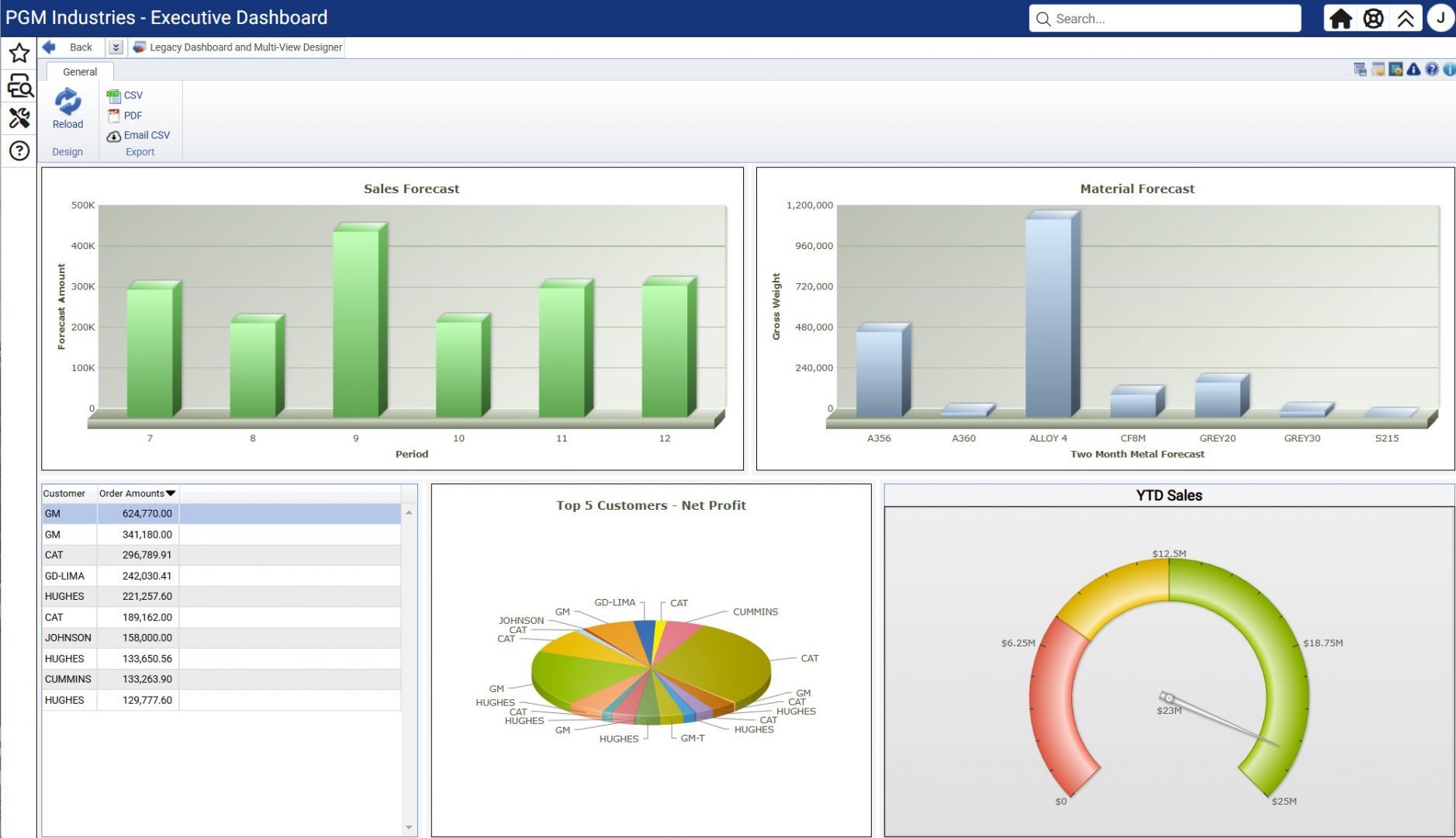
Learn how to build meaningful KPIs using Data Views in Odyssey ERP, align them with your business goals, and turn your data into clear, actionable insights.

Each session highlights Odyssey ERP features, best practices, and tips to help you get more out of your system. Register to receive an email confirmation and calendar invite with your Teams link.
June 15, 2026
Learn how to build meaningful KPIs using Data Views in Odyssey ERP, align them with your business goals, and turn your data into clear, actionable insights.

July 20, 2026
Learn to create scenario-based forecasts and generate capacity and material requirements to support smarter planning.